 Zonify
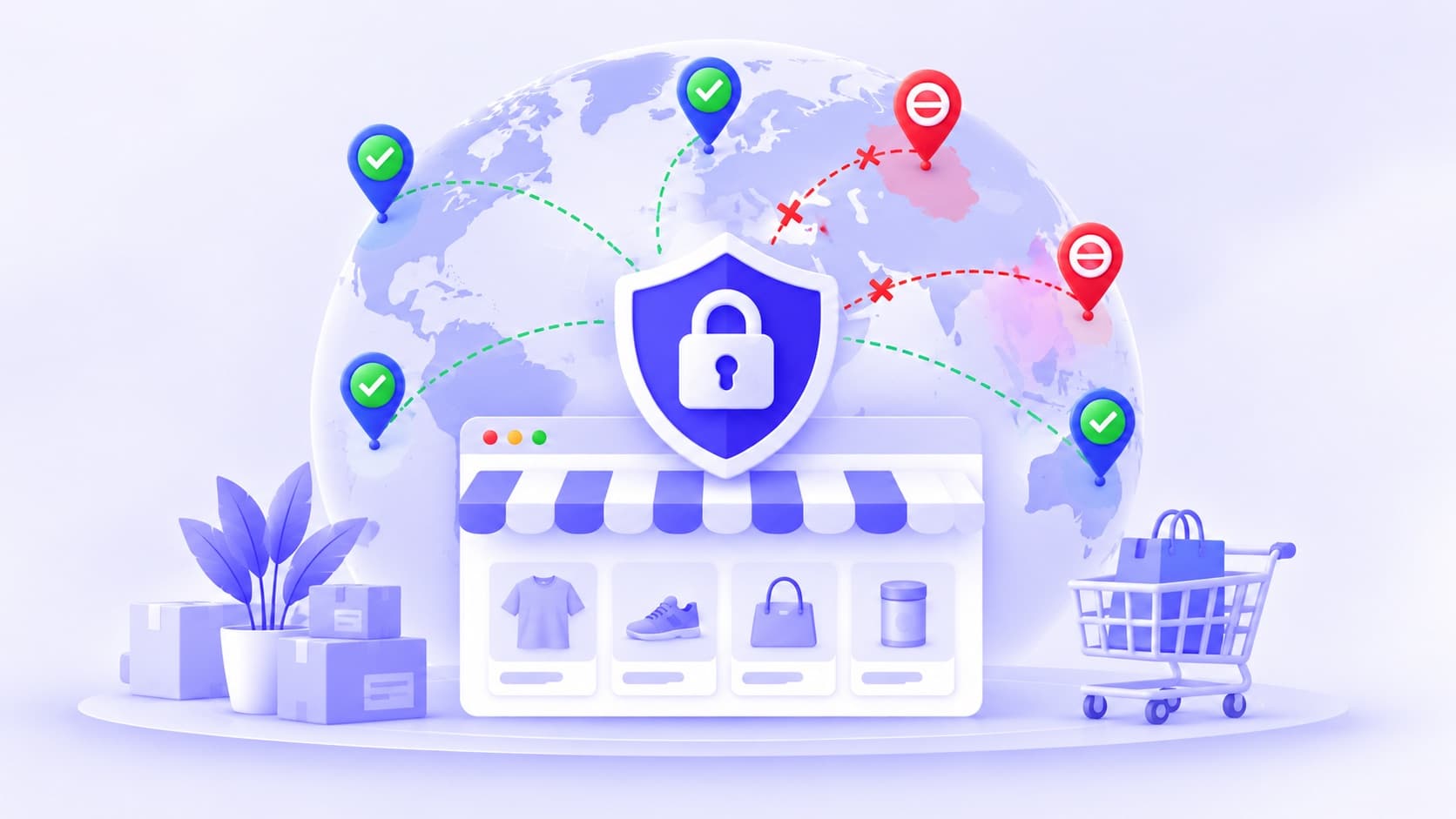
No. Blocking countries doesn't hurt your Shopify store's SEO, as long as Google's crawler isn't one of the visitors you block. The risk sits in one place: the United States. Google says its crawler visits from US addresses by default, so a rule that keeps out US visitors can keep out Google too.
Here is the answer for each setup. A block list that leaves out the US is safe for Google. So is an allow list that includes the US. An allow list for one country outside the US, such as a UK-only, India-only or Australia-only store, can show Google your block message. Add the US, or switch to a block list.
Google's crawler visits from the US by default
Google's crawler, Googlebot, is the program that reads your pages so they can appear in Google. Google says plainly where it comes from: "the default IP addresses of the Googlebot crawler appear to be based in the USA" (Google Search Central). An IP address is the number a device uses on the internet.
One more fact from Google matters here: it also visits from other countries. Googlebot "crawls with IP addresses based outside the USA, in addition to the US-based IP addresses."
Google also gives the rule for sites that block by country. When Googlebot appears to come from a country, "treat it like you would treat any other user from that country." Google's own example uses the US and Australia. If you block US visitors and allow Australian ones, block Googlebot when it seems to come from the US. Allow it when it seems to come from Australia.
So Google treats country blocking as a normal choice. It doesn't ask you to stop. It only tells you that its crawler will see what a visitor from that country sees.
How a Shopify country blocker sees Google
Most answers to this question assume the blocker reads the visitor's IP address. Zonify doesn't. The country is a best guess made in the visitor's browser, not from GPS or a paid location database.
Google's crawler runs a real browser, so Zonify checks it like any other visitor. Google's US crawler is likely to be treated as a visitor from the US. This is likely, not certain, because Google doesn't publish every detail of how its crawler's browser is set up. Google also doesn't say how its crawler is set up when it visits from other countries, so don't count on those visits to reach your pages.
Next, Google runs your page's scripts. A headless Chromium browser (the open-source base of Chrome, running with no screen) "renders the page and executes the JavaScript", and "Google also uses the rendered HTML to index the page" (JavaScript SEO basics). Zonify's check runs as a script. On a first visit the store page can show for about a second before Zonify replaces it. If Google's crawler is blocked, the finished page Google reads is your block message, not your product.
Two Zonify rules decide what happens to crawlers:
- Country rules apply to crawlers like any visitor. This follows Google's own rule above.
- Bot rules never block a verified Googlebot. Search engines can't be blocked by bot type, and a verified bot is never blocked by type. So only a country rule can catch Google. (How Zonify proves a Googlebot is real is in our guide to fake Googlebots.)
One limit: Zonify can't see bots that never run JavaScript, so its country rules don't reach crawlers that only read your page's code.
Your setup, and what it means for Google
Find your setup below. "Google's US crawler" means Googlebot on its default US addresses.
| Your country rules | Example store | Google's US crawler | What to do |
|---|---|---|---|
| No country rules | Any store | Gets in | Nothing |
| Block list without the US | A UK shop blocks two countries it can't ship to | Gets in | Check one page after each change |
| Block list that includes the US | A shop in India blocks the US | Likely blocked | Take the US off the list |
| Allow list that includes the US | A Canadian shop allows Canada and the US | Gets in | Check one page after each change |
| Allow list without the US | A UK-only, India-only or Australia-only store | Likely blocked | Add the US, or switch to a block list |
A redirect counts as a block here. A blocked visitor sees a message you write, or is sent to a page you choose, and a redirect per country is possible. A redirected crawler doesn't see your products either. More on that in how to redirect Shopify visitors by country.
Two setups put Google at risk, and the allow list is the easy one to miss. Adding one country to the allow list blocks every country not on it. A store that allows only the UK has also blocked the US, and with it Google's default crawler, without anyone adding the US by hand.
If your store sells only in the UK, India or Australia
If you allow only your own country, you have two good choices. Both keep Google reading your products.
- Add the United States to your allow list. US visitors can then browse your store. They still can't have an order sent to the US, because Shopify checkout lets a customer pick a shipping country only if it is in an active market and a shipping zone with rates. Your shipping settings keep doing their job. Our comparison of Shopify Markets and country blocking explains how the two fit together.
- Switch to a block list. Block only the countries that cause you trouble, such as places you get problem orders from, and leave the rest open. As long as the US isn't on the list, Google's US crawler gets in.
For most single-country stores, choice 1 is the simpler one. You keep the allow list you set up, and you add one country. The cost is that US shoppers can see products they can't have delivered, so a clear note about where you deliver helps.
Keep the allow list as it is only if Google search doesn't matter to your store. Google says that when a site changes by visitor country, it "might not crawl, index, or rank all your content". A block page for its main crawler is the strongest form of that.
Why not let Google through and block everyone else?
A common suggestion, in forums and in some apps sold as "SEO-safe", is to let search engine crawlers skip country rules. It sounds like the best of both. We don't do it, for two reasons.
First, it goes against the Google rule quoted above: treat Googlebot like any other visitor from its country. Google's spam policies also define cloaking as "presenting different content to users and search engines with the intent to manipulate search rankings and mislead users". A store that follows Google's rule never has to wonder where that line is.
Second, you can't do it by hand with an address list either. Google's crawler uses whole ranges of addresses, which Google publishes. Zonify's IP rules match exact addresses only, with no ranges. An always-allowed IP is meant for you: it skips every rule and affects nobody else.
Check your store after every change
The check takes a few minutes in Google Search Console, Google's free tool for site owners.
- Open URL Inspection and paste the address of one of your product pages.
- Click Test live URL.
- Click View tested page, then Screenshot.
If the screenshot shows your block message, Google is being blocked. The screenshot shows how Google's inspection tool sees the page. That tool isn't the crawler itself, but it is the closest check you can run. Our guide to making a Shopify store available in only one country walks through the same steps for an allow-list store.
What blocking doesn't change
- Blocked shoppers who arrive from Google see your rule, not your products. A shopper in a blocked country who clicks your store in Google sees your message or your redirect page. If you can't sell to them, that is what you want.
- Shipping and checkout still decide orders. Country rules decide who can browse. Shopify's market and shipping settings decide where you deliver.
For the full setup of block lists, allow lists and messages, see how to block countries on your Shopify store, or read about Zonify's country blocker.
The short version
- Blocking countries doesn't hurt SEO unless your rules block Google's crawler.
- Google's crawler visits from US addresses by default, on US Pacific time, so Zonify is likely to place it in the US.
- Google is left alone by a block list without the US, or an allow list with the US.
- A one-country allow list outside the US can show Google your block message. Fix it by allowing the US too, or by using a block list.
- Don't exempt crawlers from country rules. Google asks you to treat its crawler like any visitor from that country.
- After any change, test one product page with URL Inspection → Test live URL in Search Console.