 Zonify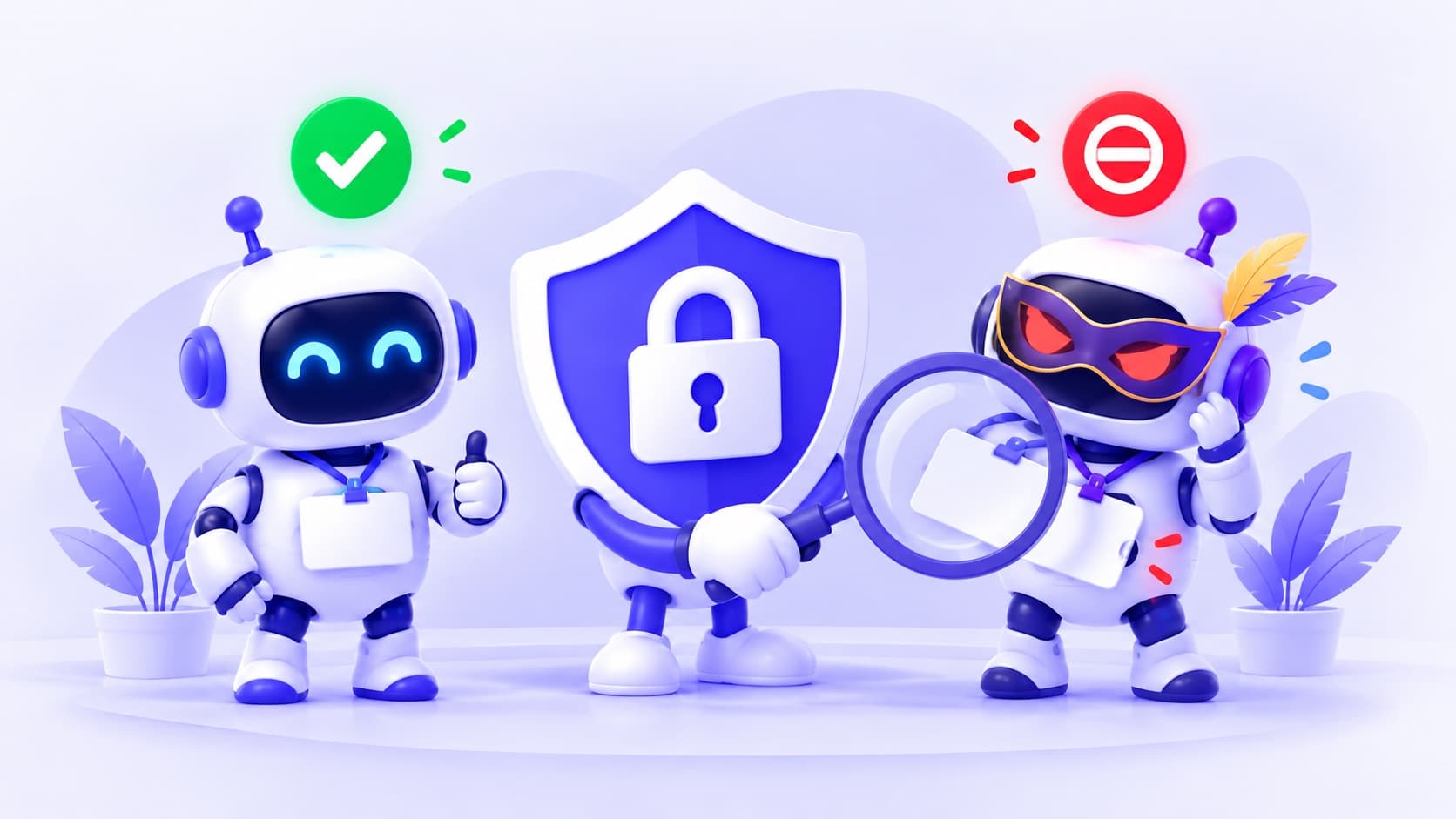
Few store owners would ever block Google. Scrapers know that.
So a common trick is to visit your store wearing Google's name tag. The visit says “I am Googlebot”, and many tools wave it straight through.
This guide explains why bots pretend to be Google, how to check whether a Googlebot is real, and how to do it automatically on a Shopify store.
Why a bot would pretend to be Google
Every visit to a website comes with a user agent: a short line of text that says who the visitor is. The real Googlebot sends something like this:
Mozilla/5.0 (compatible; Googlebot/2.1; +http://www.google.com/bot.html)
Any program can send exactly the same text. It costs nothing, and it has a big payoff:
- Stores and firewalls are careful never to block Google, so a fake Googlebot is rarely stopped.
- Some sites show more to search engines than to visitors, so the fake one sees more.
- In visit logs, it looks harmless.
A program that hides behind Google's name is almost always doing something it knows you wouldn't like, such as copying your prices or product pages.
The name is never proof. The address is.
A visitor can choose its name tag. It can't choose its IP address, the number its device uses on the internet, as easily. And Google only crawls from addresses Google owns.
So the question is never “does it say Googlebot?”. It's “does this address belong to Google?”
Google gives two ways to answer it.
Way 1: Google's published list of addresses
Google publishes the address ranges its crawlers use, as files anyone can download. If a Googlebot's address is in one of those ranges, it's Google. If it isn't, it's not.
Bing, Apple, OpenAI, Perplexity and DuckDuckGo publish lists like this too.
Way 2: a reverse DNS check, both ways
DNS is the internet's address book. You can ask it two questions:
- “What's the name of this address?” For a real Googlebot, the answer ends in
googlebot.comorgoogle.com. - “What's the address of that name?” The answer must be the same address you started with.
Both halves matter. Anyone who controls an address can make step 1 say googlebot.com. Only Google can make step 2 point back.
How to check one Googlebot by hand
If you have an address from your logs and a computer with a terminal, you can check it yourself. On a Mac or Linux, the host command asks both questions.
Here is a real Google crawler address:
$ host 66.249.66.1
1.66.249.66.in-addr.arpa domain name pointer crawl-66-249-66-1.googlebot.com.

$ host crawl-66-249-66-1.googlebot.com
crawl-66-249-66-1.googlebot.com has address 66.249.66.1
The name ends in googlebot.com, and that name points back to the same address. It's the real Googlebot.
For a fake one, the first answer doesn't end in a Google name, or there's no name at all, or the second answer is a different address.
How Zonify checks every Googlebot automatically
Zonify's bot blocker does both checks for you on your Shopify store.
- It downloads the published lists every day, from Google, Bing, Apple, OpenAI, Perplexity and DuckDuckGo.
- When a visitor claims to be one of those bots, it checks the address against the list, and with the two-way DNS check when the bot's owner supports it.
- A match is marked Verified. A Googlebot from a Google address gets a green badge, and the reason “Verified by Google”.
- A mismatch is marked Fake. A Googlebot from anywhere else is listed as Fake Googlebot, with the reason “IP is not Google's”.
- “Can't tell” is never “fake”. If a list didn't load or the DNS answer is slow, the bot is marked Not proven yet, never Fake. A real Googlebot is never called fake because a check was slow.
You'll find them on the Bots page in Zonify, with a red banner when fake bots are found. Click a bot to see its address, its country and the proof.
Blocking fake Googlebots without touching the real one
On the Bots page, switch on Fake bots. From then on:
- A fake Googlebot sees “Store not available”, and the visit is logged with the reason Bot rule.
- The real Googlebot is never blocked by bot rules. Verified bots can't be blocked by type, and search engines aren't on the list of types at all.
One thing to know: the DNS check takes a moment, and Zonify never makes a shopper wait for it. So a fake bot's first page can get through while the check runs. Its next page is blocked.
The short version
- Scrapers call themselves Googlebot because few stores block Google.
- The name proves nothing. Check the address.
- Google publishes its crawler addresses, and a reverse DNS check confirms them both ways.
- Zonify does both checks automatically, marks fakes as Fake, and can block them without touching the real Googlebot.
For the bigger picture of which bots to keep and which to block, read how to block bots on your Shopify store.
